SICPA DTS Demo

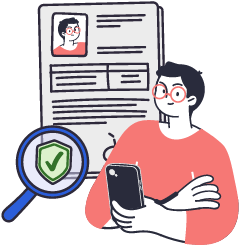
Step 1: Get your Photo ID
A PhotoID credential is a secure, digital version of your official identification document, such as your passport or national ID. It is issued by a trusted government authority and contains all the key information typically found in your physical document—including your full name, date of birth, nationality, document number, and your official ID photo.
Step 2: Provide Self‑Attested Information
A Self‑Attested Credential is a digital record of personal information that you, the holder, create and manage yourself in your EU Digital Identity Wallet. Because it’s self‑issued, you decide what to share, with whom, and when—balancing convenience and privacy.